01 / Recovery
Protect before you troubleshoot.
A staged drive assessment that separates inspection, imaging, recovery, and handoff.
Start with this Portfolio index / six verified builds
Live websites, installed software, repair operations, creator systems, and hardware experiments—each solving a different kind of problem.
Selected work / verified builds
Websites, desktop software, repair operations, creator tools, and hardware experiments built around actual jobs.
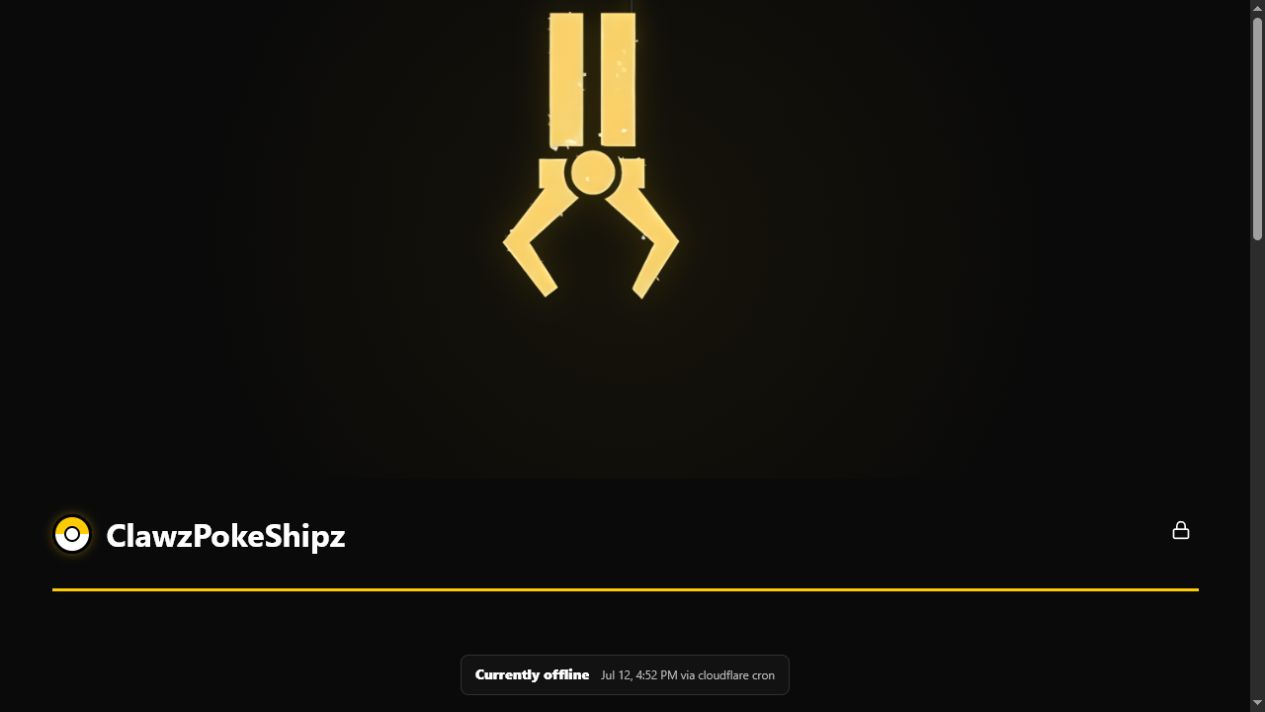
Live A live-status hub and storefront for a TikTok creator, backed by one Cloudflare Worker.
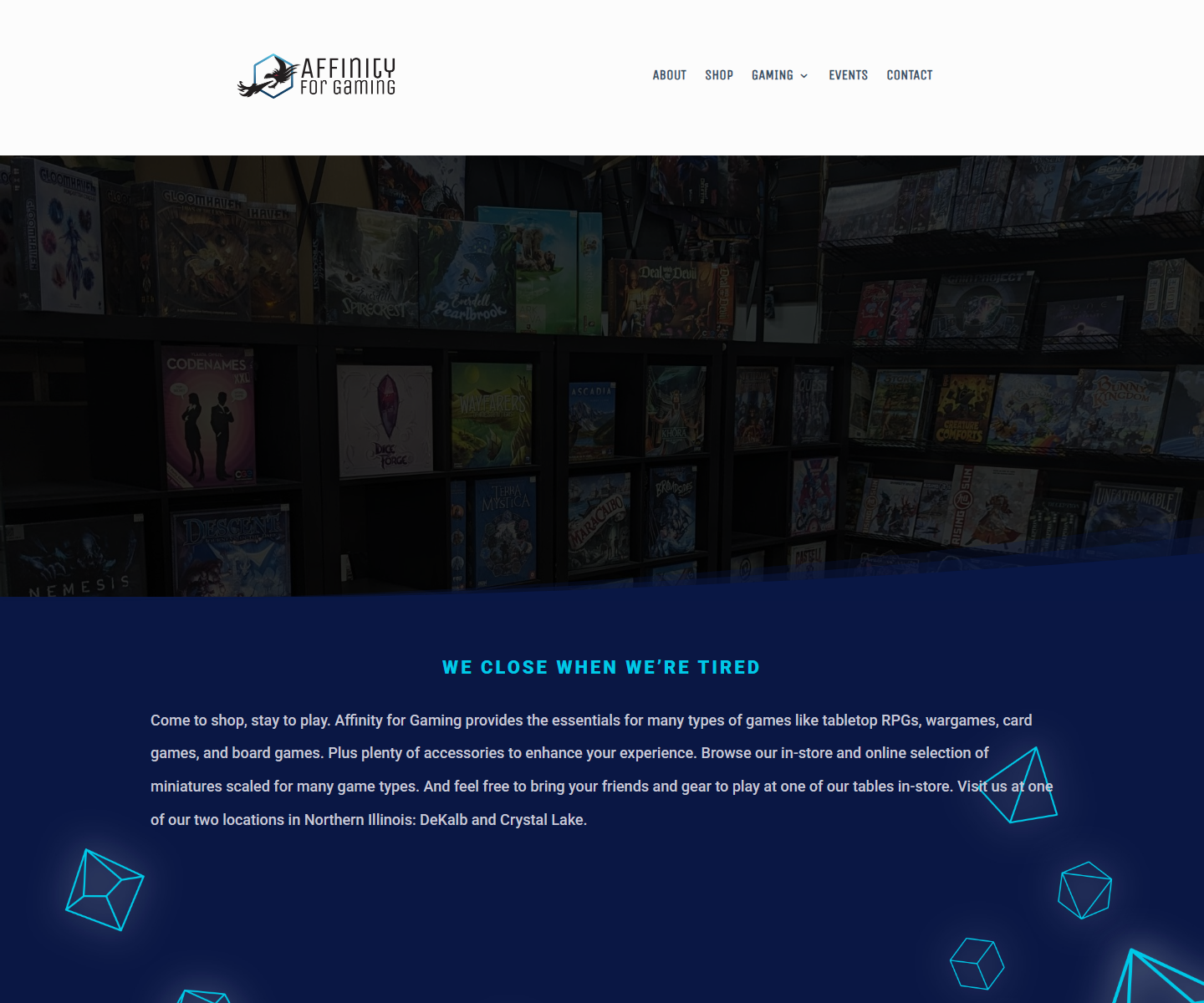
A custom storefront direction for a local tabletop and gaming business.
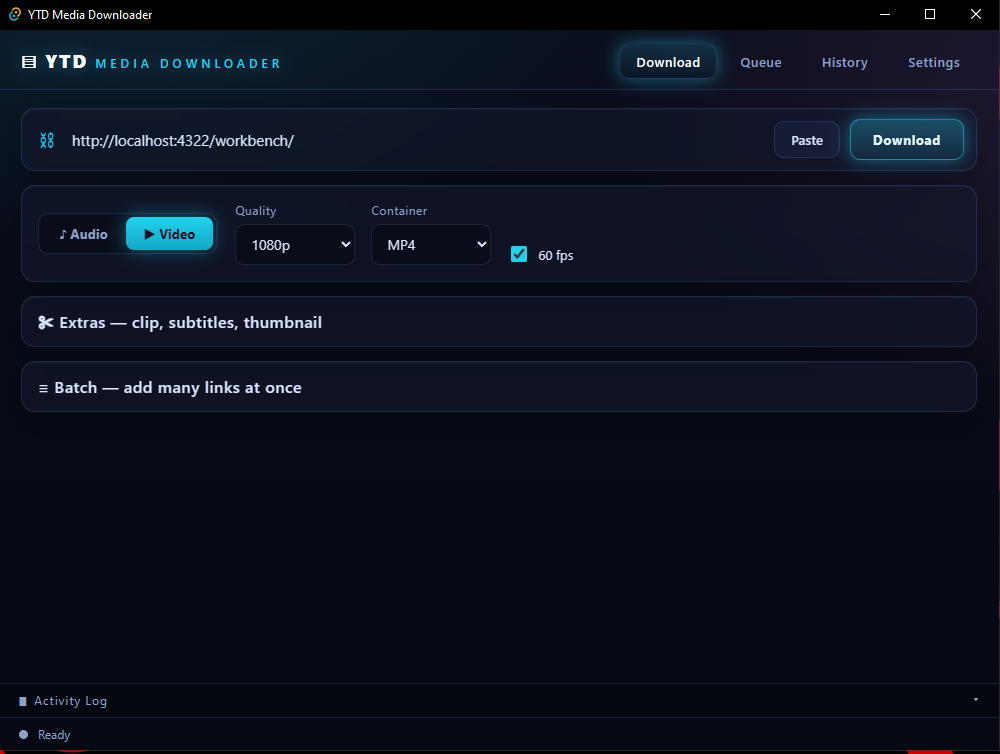
A packaged Windows application for permitted audio and video downloads.
A standalone local control system for live-sale overlays and OBS production.
A secure barcode-driven repair and inventory tracker for slot-machine parts.
Native firmware and a desktop controller for a 240×240 round LCD.
The workbench
Open each demonstration as a clue to what RTCO Labs can inspect, configure, build, or explain.
01 / Recovery
A staged drive assessment that separates inspection, imaging, recovery, and handoff.
Start with this 02 / Web
A fast, focused site that explains the work and gives visitors a clear next action.
Start with this03 / Automation
Small scripts, searchable systems, dashboards, and alerts shaped around a real workflow.
Start with this1 # RTCO Labs — end-of-day sales report
2 import csv, schedule
3
4 def daily_report():
5 sales = read_pos_export("sales.csv")
6 total = sum(row.amount for row in sales)
7 notify(f"Today: ${total:,.2f} across {len(sales)} sales")
8
9 schedule.every().day.at("18:00").do(daily_report)
04 / Signal
Scenes, capture, audio routing, overlays, and controls arranged around the operator.
Start with this05 / Systems
Hardware, menus, displays, and back-office basics organized around daily use.
Start with thisLatte$4.50
Muffin ×2$6.50
Cold Brew$5.00
TOTAL$16.00
Thank you!
06 / Community
Roles, intake, reminders, moderation helpers, and useful notifications.
Start with thismia.k
!order 1042
RTCO Bot BOT
jorge
!hours
RTCO Bot BOT
Swipe through the capability console
Capability demonstrations—not invented client case studies.
How RTCO works
Good technical work should not become a mystery after the handoff. RTCO Labs starts with what is getting in the way, chooses the right level of technology, and keeps the next step understandable.
Bring the goalShare the problem, device, project, or repeated task and what a successful result would look like.
RTCO Labs checks the situation and explains the options, risks, likely effort, and what should be backed up.
No device, account, or project changes happen until the useful scope is clear and you approve it.
You receive a plain-English summary, practical next steps, and training or documentation when it helps.
Use a page, repair, station, script, bot, or workflow when it makes the work clearer, safer, or easier to operate.
The goal is a useful next step, not extra complexity for its own sake.
The handoff should make sense to the people using it—not leave them afraid to touch the system.
Field notes
Plain-language guides for protecting data, planning a useful system, and knowing what to do before a technical problem becomes a bigger one.
Read the guidesWeb + Presence
A practical launch checklist for turning a homepage into a clear next step for the people you want to reach.
Read guide ↗ 02Repair + Setup
A plain-language checklist for getting useful help without sharing passwords, recovery codes, or more personal data than a technician needs.
Read guide ↗ 03Automation + Systems
How to spot a repeatable process worth simplifying, choose a small first step, and avoid turning a simple task into an expensive system.
Read guide ↗