← All capabilities
04 / Repair & recovery
Protect what matters. Restore what stopped working.
⌁ From a slow PC or difficult migration to a drive that may be failing, RTCO Labs starts by inspecting the situation, protecting important data, and explaining the safest useful next step.
Start a support request ↗ PC repair & upgradesData recoveryBackup & migrationNetworks & devices
The useful details
What’s possible.
We’ll shape the scope around your goal and the system you have. Here
are the capabilities we can bring into the conversation.
01 PC setup, cleanup & upgrades
Make a new, slow, or unreliable computer useful again.
- New-PC setup, updates, accounts, browsers, and basic security
- Performance, storage, startup, heat, and hardware-health checks
- SSD/HDD replacement, drive cloning, partitioning, and migration planning
- Windows troubleshooting, software setup, and upgrade recommendations
02 File, drive & data recovery
Inspect first and preserve originals before risky actions.
- Read-only inspection of old, damaged, removable, or backup drives
- Deleted-file recovery attempts, USB/SD-card triage, and partition assessment
- ZIP/7z validation and partial salvage attempts for damaged archives
- Legacy encrypted-vault assessment with valid owner credentials
03 Backup, transfer & organization
Move important files safely and leave a system you can maintain.
- Simple backup plans for photos, documents, projects, and important folders
- PC-to-PC, external-drive, and private remote-device transfers
- Manual Tailscale transfers, clean archives, and handoff folders
- Git/GitHub backup setup before project cleanup or migration
04 Networking & connected devices
Get the devices around the work communicating clearly.
- Home and small-office connectivity and speed diagnosis
- SSH, PuTTY, Tailscale, and secure remote-access setup
- Authorized device discovery and network inventory
- Printer, scanner, phone, Raspberry Pi, and USB connection support
A real example
Extreme-Case Recovery
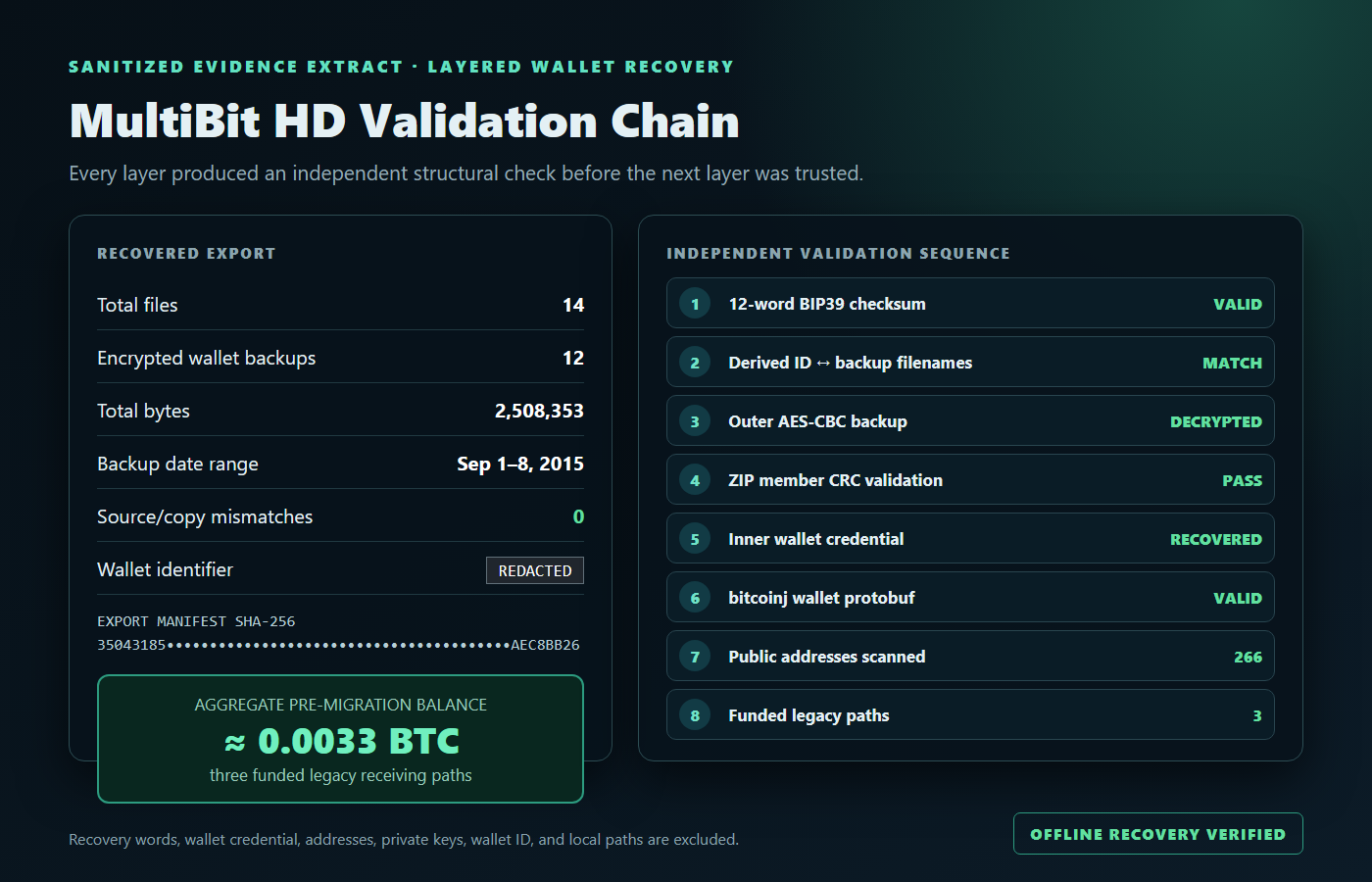
A documented recovery from an orphaned encrypted vault through a confirmed legacy-wallet migration.
Evidence preservation, legacy format analysis, GPU-assisted password recovery, offline wallet reconstruction, independent verification, and a confirmed owner-authorized transfer.
Documented
Explore the project ↗
Preserve first
If a drive clicks, repeatedly disconnects, overheats, or suddenly shows missing files, stop using it when possible. Do not reformat it or keep trying random repair tools.
Your next step
Start with
the outcome.
A plain-language description is enough. Tell us what you have and what
you’d like to make possible.
Start a support request ↗